
Screen Reader Review is a Guidepup-supported virtual screen-reader workspace for spoken-output evidence, structured review, diagnostics, and QA handover.
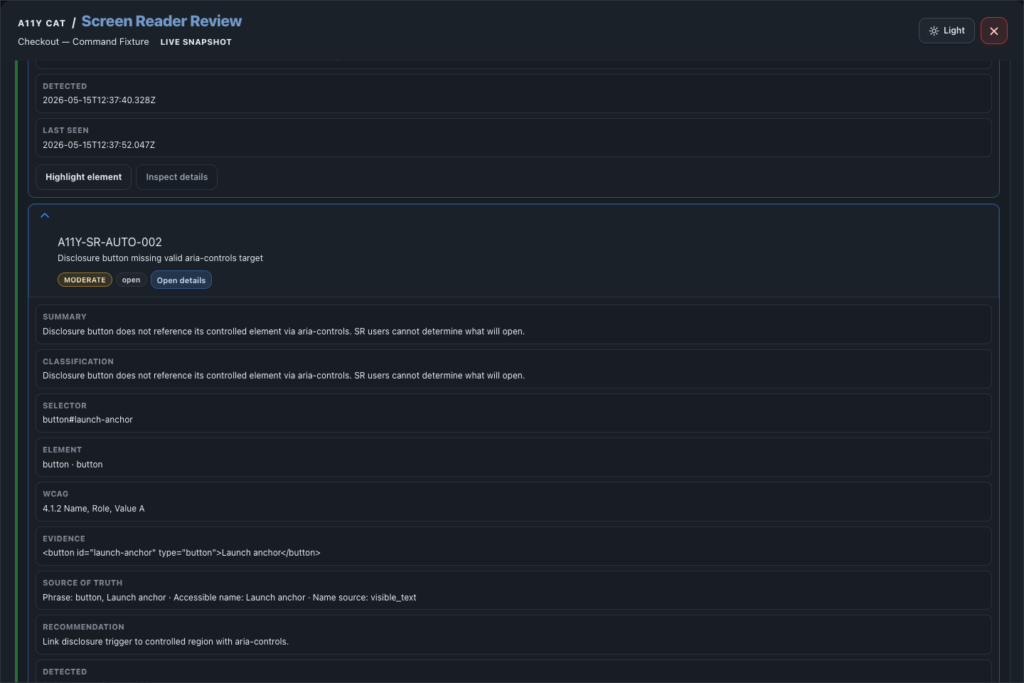
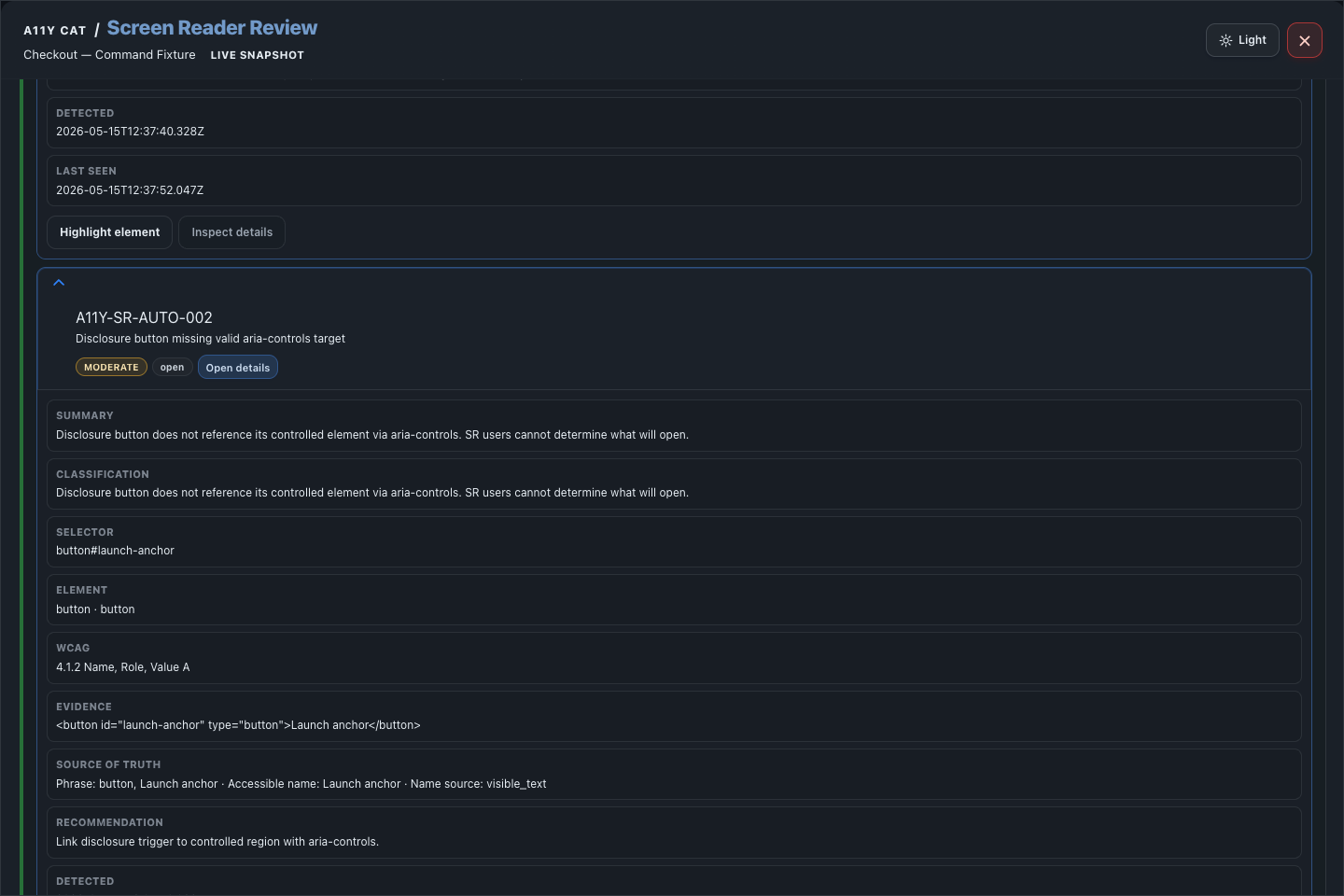
The most important thing about this feature is honesty. It can help a reviewer prepare, compare visible structure with virtual output, and write better notes. It must not pretend to be NVDA, JAWS, VoiceOver, TalkBack, or Narrator sign-off.
What this feature is for
Screen Reader Review is a Guidepup-supported virtual screen-reader workspace for spoken-output evidence, structured review, diagnostics, and QA handover.
Feature coverage
- Shows virtual screen-reader status and current page context.
- Provides Automated Review and Manual Review modes with start/stop review controls.
- Provides navigation controls: Prev, Act, Next, Top, and End.
- Supports Audio/TTS toggle, virtual cursor toggle, Pick element, and a How to use disclosure.
- Explains workflows for navigation, forms, dialogs, dynamic updates, headings, controls, status states, and evidence boundaries.
- Provides Guidepup command tools: perform command, press key, type text, click current, read current item text, log item text, clear item text log, and refresh diagnostics.
- Shows visible structure versus virtual output, confirmed automated findings, needs-manual-review findings, finding details, highlights, diagnostics/limitations, virtual SR interaction log, JSON/TXT export, QA report JSON/HTML export, and Add to QA report.
WCAG and accessibility importance
Screen Reader Review supports manual checks for WCAG areas that affect how assistive technology understands and announces a page, especially 1.3.1 Info and Relationships, 2.4.3 Focus Order, 2.4.6 Headings and Labels, 3.3.2 Labels or Instructions, 4.1.2 Name, Role, Value, and 4.1.3 Status Messages.
This matters because a page can look correct and still be confusing when read through a virtual cursor. Spoken-output evidence helps reviewers catch missing names, unclear structure, poor status updates, and interaction states that visual review can miss.
Technical notes
- The feature uses packaged Guidepup virtual screen-reader support where the browser context allows it.
- TTS playback is speech synthesis of captured virtual text. It is not audio captured from a real assistive technology stack.
- The diagnostics and interaction log are kept as review evidence so the report can show what was tried and where the virtual path stopped.
Desktop tutorial video
Where to learn more
Official A11Y Cat documentation: https://carlashub.github.io/a11y-cat-extension/