
Language Mismatch reviews declared page language, visible mixed-language evidence, inline language signals, and confidence-bound output.
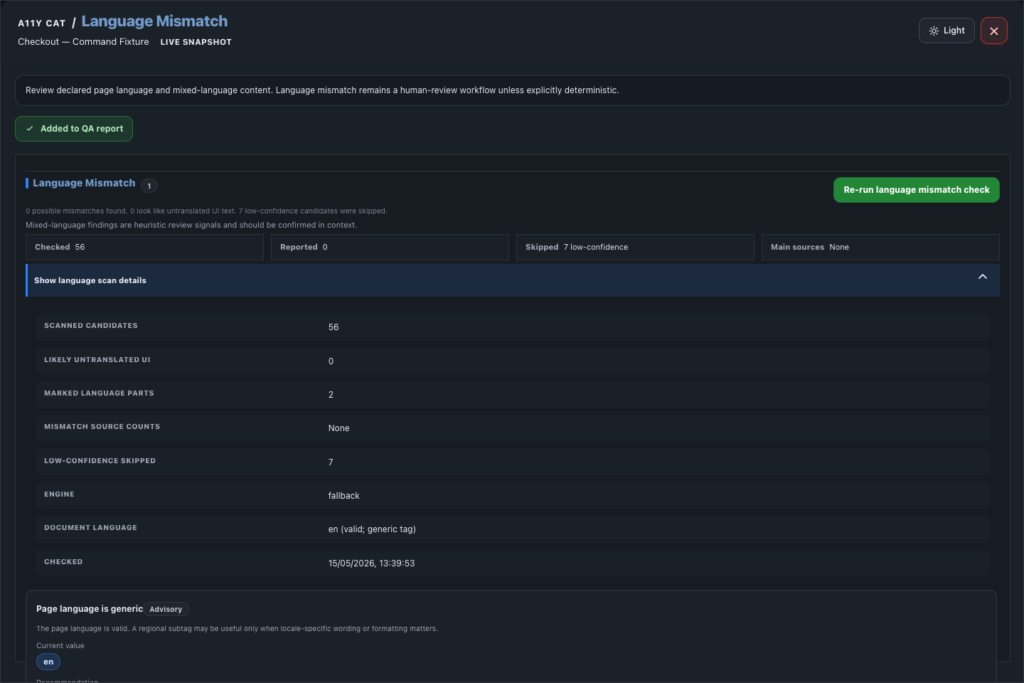
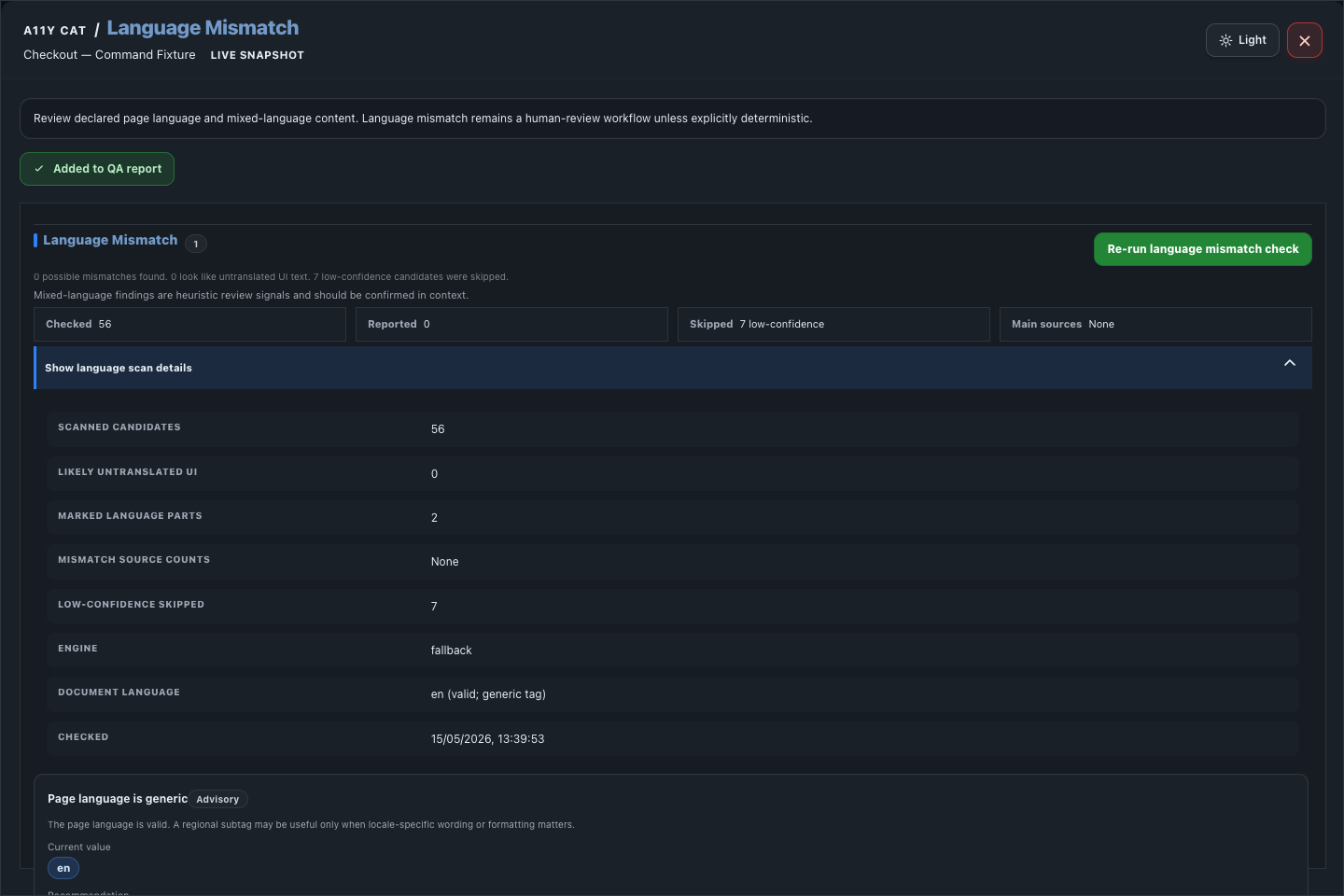
Language detection can get messy quickly, especially with short labels, names, product terms, and mixed-language content. This section is deliberately cautious: it points to evidence and asks for review instead of overclaiming.
What this feature is for
Language Mismatch reviews declared page language, visible mixed-language evidence, inline language signals, and confidence-bound output.
Feature coverage
- Reviews declared page language and visible mixed-language content.
- Detects document language signals and inline language changes.
- Groups mismatch evidence by source.
- Shows confidence and evidence boundaries, including limits for short text or low-confidence detection.
- Keeps language mismatch as review/advisory unless the case is deterministic.
- Re-runs the language check, highlights detected elements, copies selectors, shows scan and technical details, and adds Language Mismatch to the QA report.
WCAG and accessibility importance
Language Mismatch links directly to WCAG 3.1.1 Language of Page and 3.1.2 Language of Parts. Those criteria matter because assistive technologies use language metadata to choose pronunciation rules and reading behaviour.
The accessibility impact is especially visible for screen-reader users and multilingual content. Wrong or missing language signals can make names, instructions, navigation, and body text sound garbled or misleading.
Technical notes
- The runtime reads html lang, inline lang attributes, visible text samples, and element-level evidence.
- Short strings and brand/product names are treated carefully because automatic language inference can be weak there.
- The output separates declared language from suspected content language so template and content owners can see where the mismatch lives.
Desktop tutorial video
Where to learn more
Official A11Y Cat documentation: https://carlashub.github.io/a11y-cat-extension/