
Broken Links checks visible anchors and classifies same-document, same-origin, cross-origin, valid, broken, skipped, unverified, timeout, restricted, and risky outcomes.
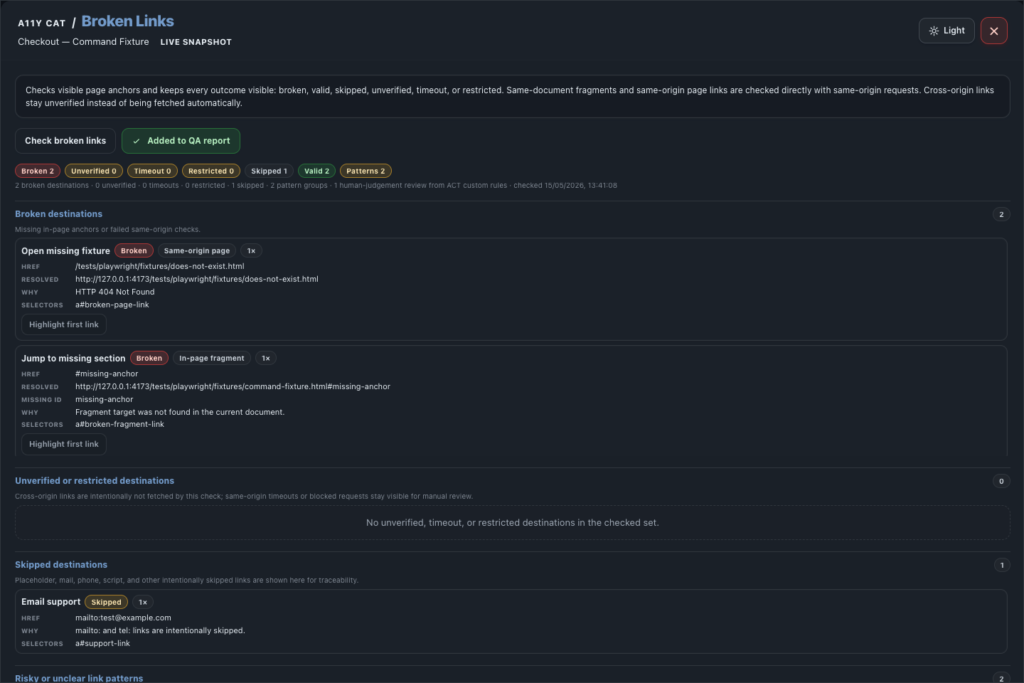
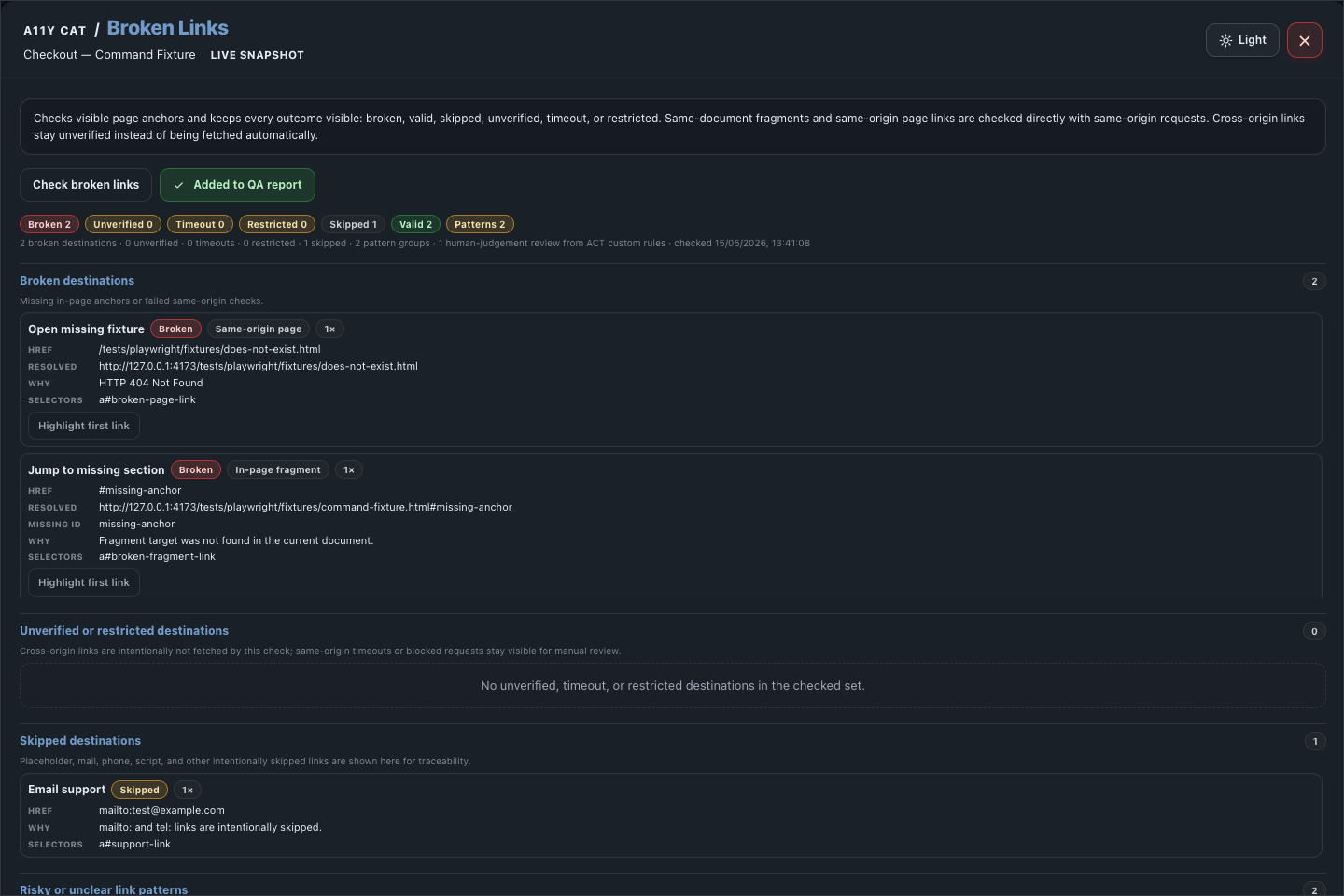
A broken link is simple only when it is obviously broken. Browser extensions also run into cross-origin restrictions, authentication walls, blocked requests, and same-page fragments. This section is built to say what it knows and what it could not prove.
What this feature is for
Broken Links checks visible anchors and classifies same-document, same-origin, cross-origin, valid, broken, skipped, unverified, timeout, restricted, and risky outcomes.
Feature coverage
- Checks visible page anchors, same-document fragments, and same-origin links directly.
- Keeps cross-origin links unverified instead of automatically fetching them.
- Separates broken, valid, skipped, unverified, timeout, and restricted destinations.
- Flags risky or unclear link patterns.
- Shows checked/total link counts.
- Highlights the first broken/risky link, highlights individual links, and adds Broken Links to the QA report.
WCAG and accessibility importance
Broken Links supports WCAG review around navigation and link purpose, especially 2.4.4 Link Purpose (In Context) and, where repeated link patterns are involved, 3.2.4 Consistent Identification. It also helps expose cases where a link destination prevents users from completing a task.
The accessibility importance is predictability. Keyboard and screen-reader users often navigate by links, so broken, misleading, restricted, or unclear destinations waste effort and can block access to essential content or actions.
Technical notes
- The extension collects visible and relevant link candidates from the active page and records destination evidence locally.
- Same-document fragment checks can be resolved from the DOM; same-origin checks can usually be requested more directly.
- Cross-origin links are deliberately conservative because fetch permissions, CORS, bot protection, and authentication can make a reachable page look unreachable.
Desktop tutorial video
Where to learn more
Official A11Y Cat documentation: https://carlashub.github.io/a11y-cat-extension/