
Headings is the structure review area for ordered outline analysis, visible H1 checks, hidden or empty headings, skipped levels, duplicates, and semantic heading risks.
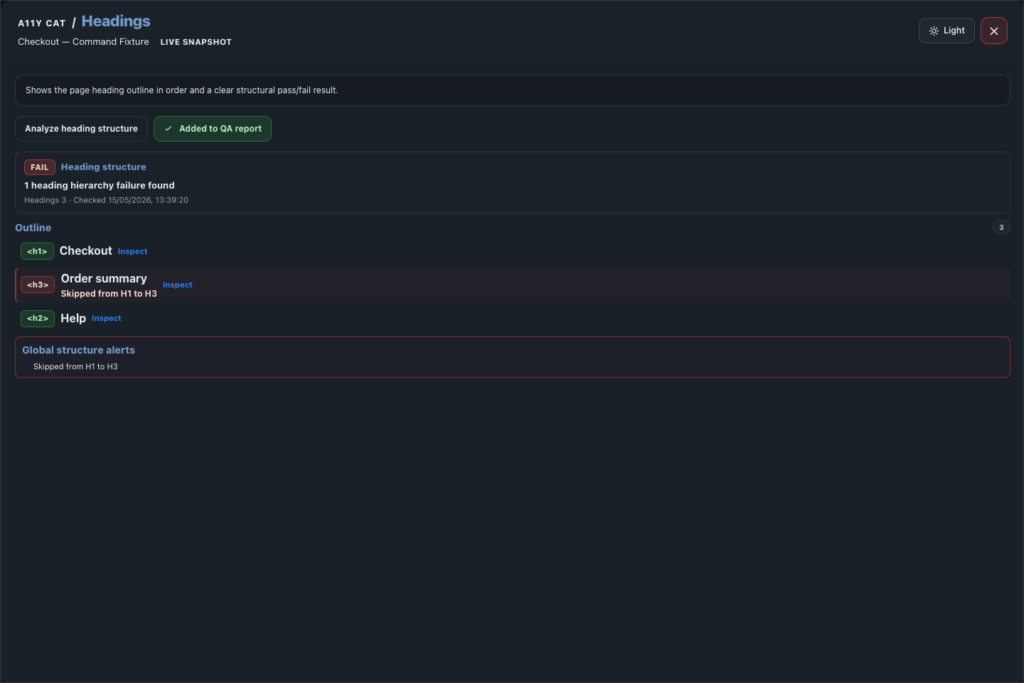
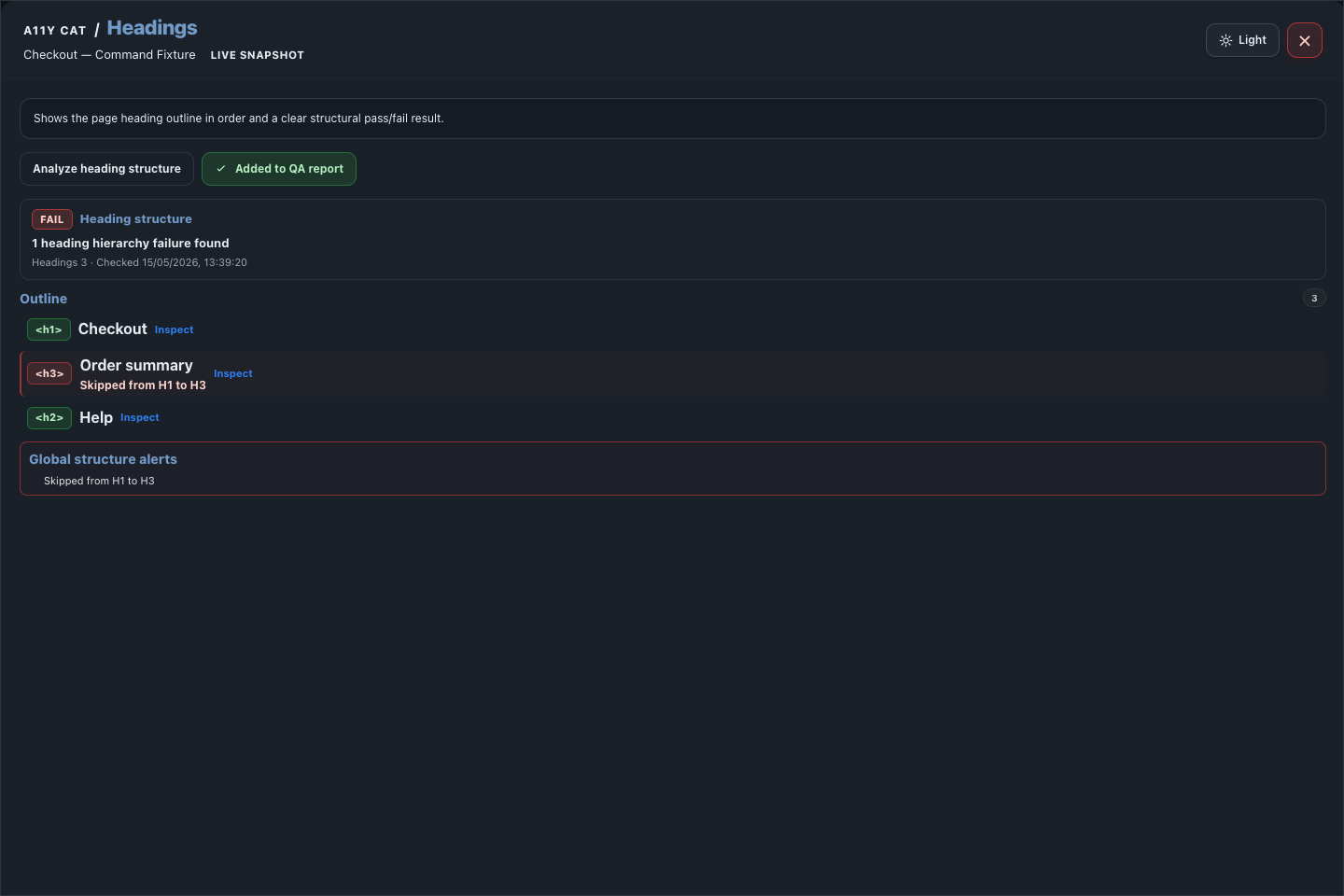
This section is about structure, not visual size. A page can look beautifully laid out and still be hard to navigate if the exposed heading outline is missing, duplicated, or jumping around.
What this feature is for
Headings is the structure review area for ordered outline analysis, visible H1 checks, hidden or empty headings, skipped levels, duplicates, and semantic heading risks.
Feature coverage
- Analyzes heading structure and builds an ordered heading outline.
- Checks visible H1 count, missing visible H1, multiple H1s, skipped heading levels, empty headings, hidden headings, and duplicate heading text.
- Flags heading-like text that is not semantic heading markup.
- Flags H1/title mismatch for review.
- Shows heading level, text, and hidden/visible state.
- Provides per-heading inspection, highlight/inspect actions where available, and Add Headings to QA report.
WCAG and accessibility importance
Headings supports WCAG structure review, especially 1.3.1 Info and Relationships and 2.4.6 Headings and Labels. It can also support 2.4.1 Bypass Blocks when a page structure makes repeated content easier to skip or understand.
The accessibility importance is orientation. Good headings let screen-reader users, keyboard users, and cognitive accessibility users scan the page, understand hierarchy, and move to the section they need without reading everything line by line.
Technical notes
- The scanner collects native h1 through h6 elements and ARIA headings with valid aria-level values.
- Visible semantic headings drive the primary H1 check, so a hidden H1 should not silently satisfy page structure.
- Heading-like text remains review evidence because visual styling alone does not always prove author intent.
Desktop tutorial video
Where to learn more
Official A11Y Cat documentation: https://carlashub.github.io/a11y-cat-extension/