
Keyboard and Focus Order is the evidence area for focusable element discovery, sequential tab-stop capture, deterministic focus findings, manual verification, and exportable focus evidence.
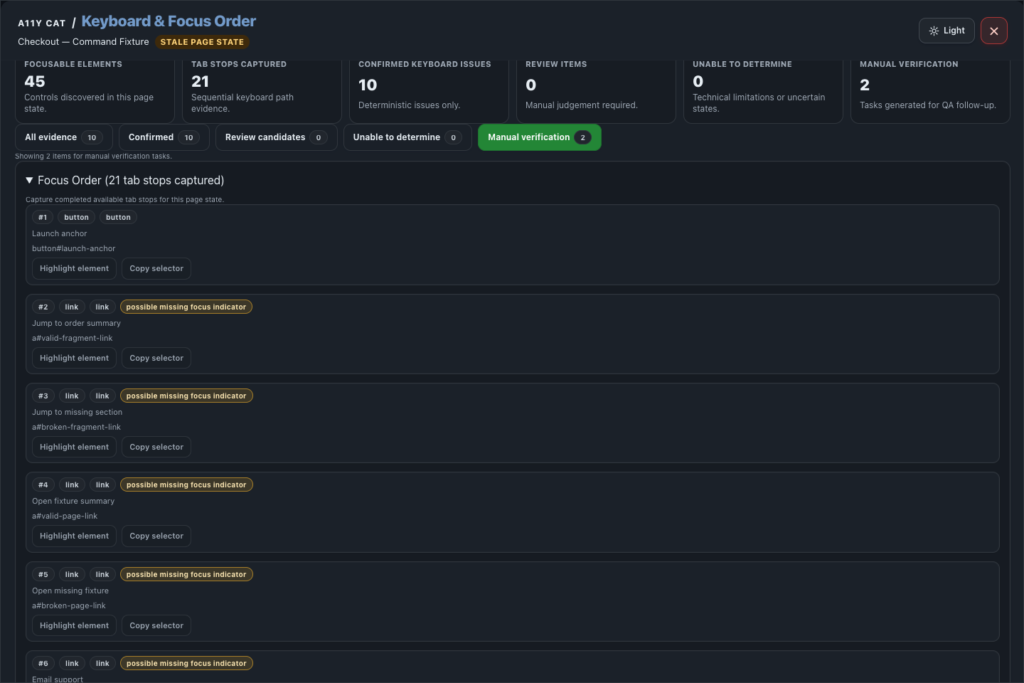
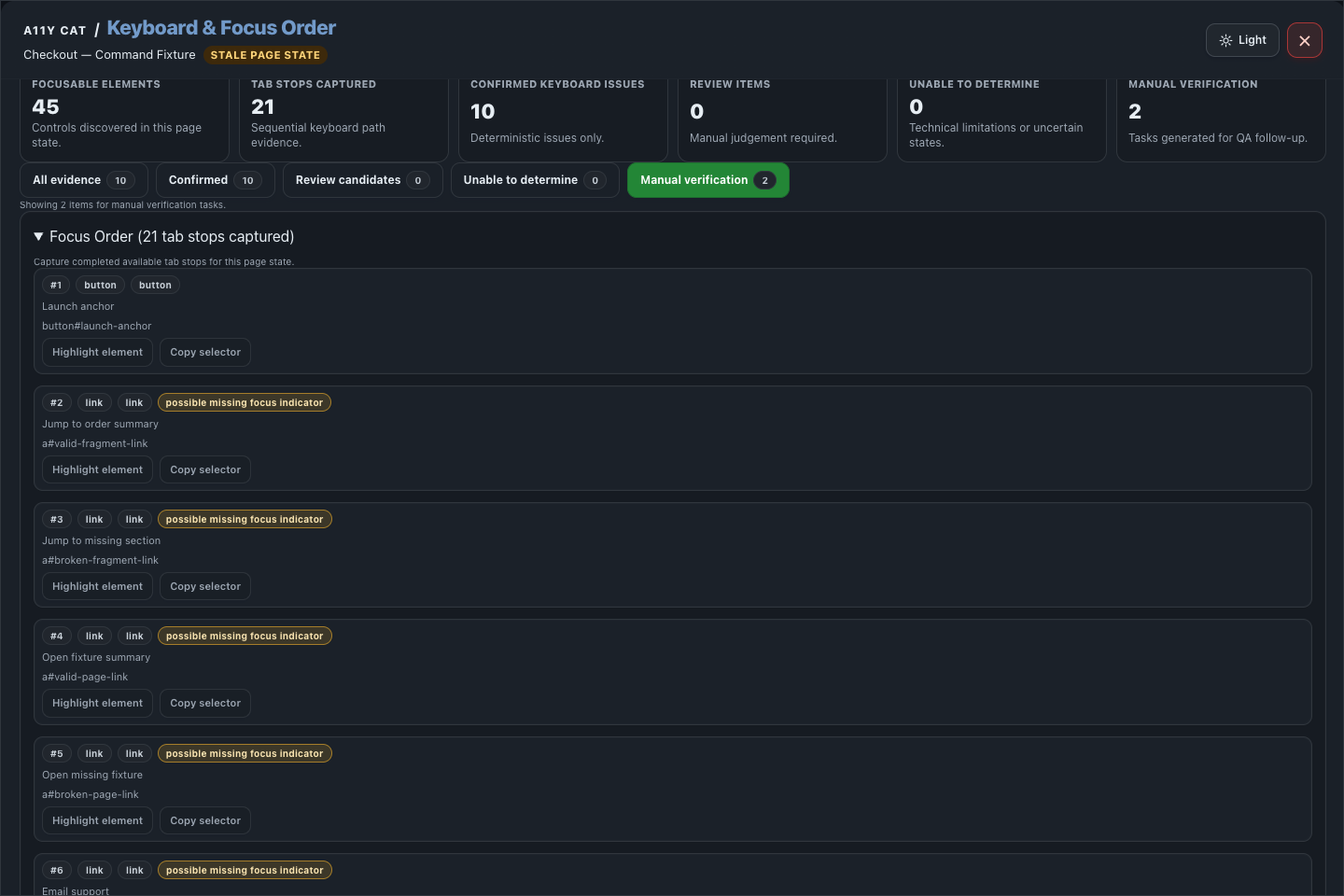
A list of focusable elements is useful, but it is not the whole story. Real keyboard review also needs to ask what happens when the user presses Tab, whether the visual order makes sense, whether focus is visible, and where the tool cannot safely decide.
What this feature is for
Keyboard and Focus Order is the evidence area for focusable element discovery, sequential tab-stop capture, deterministic focus findings, manual verification, and exportable focus evidence.
Feature coverage
- Captures keyboard focus order, finds focusable elements, and records sequential tab stops.
- Detects confirmed keyboard/focus issues where deterministic and separates review candidates, unable-to-determine items, and manual verification work.
- Shows focus-order summary metrics and filters for all, confirmed, review, unable, and manual verification.
- Shows focus badges on the page, clears badges, highlights focus targets, copies selectors, and inspects technical details.
- Shows expected result, actual result, affected element/source, evidence summary, recommendation, limitation reason, and the full focus order list.
- Can include full focus order details in the QA report, export focus evidence, and add Keyboard and Focus Order to the QA report.
WCAG and accessibility importance
Keyboard and Focus Order maps directly to WCAG keyboard requirements, especially 2.1.1 Keyboard, 2.1.2 No Keyboard Trap, 2.4.3 Focus Order, 2.4.7 Focus Visible, and WCAG 2.2 focus appearance and obstruction checks such as 2.4.11 Focus Not Obscured and 2.4.13 Focus Appearance.
The accessibility importance is practical task completion. People using keyboards, switch devices, voice control, or other non-mouse input need to reach controls in a logical order, see where focus is, and avoid getting trapped.
Technical notes
- The section combines DOM-based focusable inventory with observed keyboard traversal when the extension can safely drive it.
- Complex widgets such as dialogs, menus, tablists, comboboxes, listboxes, sliders, and roving-tabindex patterns are routed to review when automation cannot prove intent.
- Focus badges are page overlays used for evidence gathering and can be cleared after review.
Desktop tutorial video
Where to learn more
Official A11Y Cat documentation: https://carlashub.github.io/a11y-cat-extension/