
Scan Results is the main triage surface. It turns automated WCAG findings, responsive comparison data, and issue evidence into something a reviewer can verify and hand off.
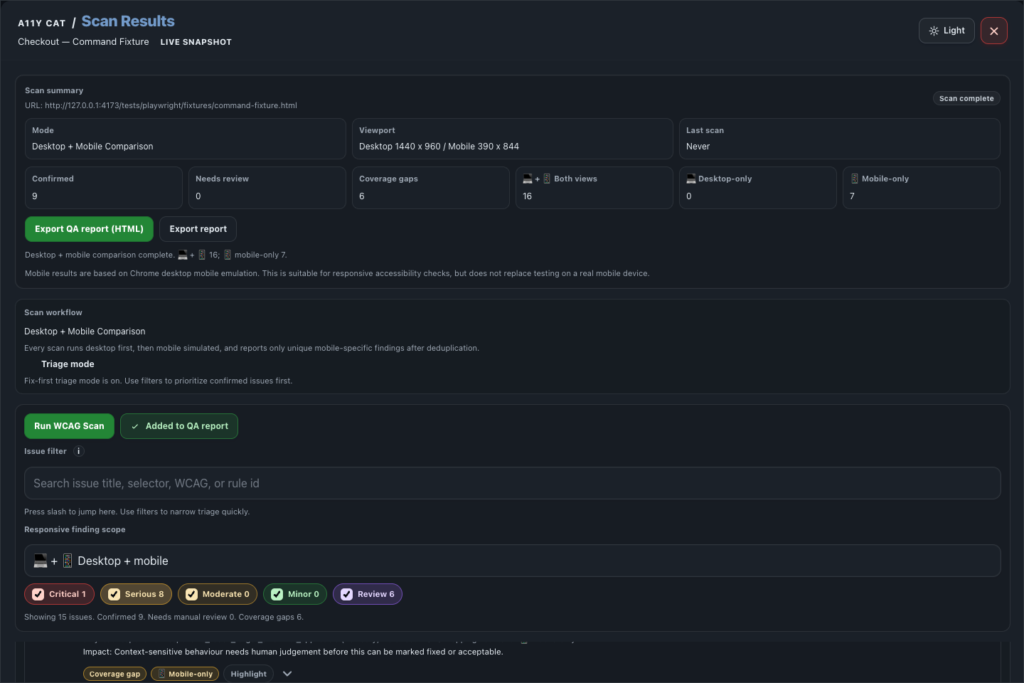
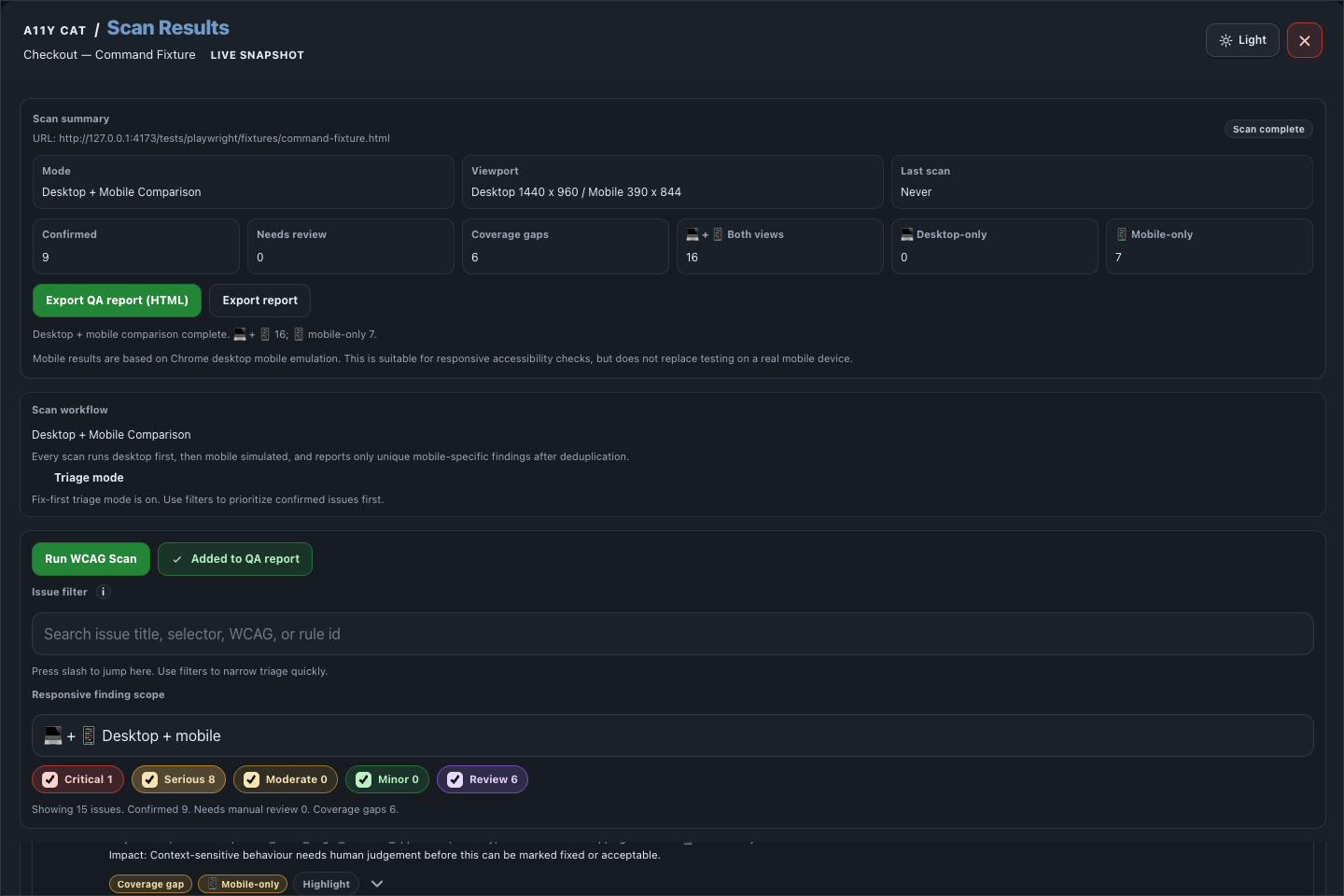
This area exists because a raw axe result is not enough for real work. A developer needs the selector, evidence, impact, recommendation, rule context, and a clear sense of whether the issue is confirmed or needs review.
What this feature is for
Scan Results is the main triage surface. It turns automated WCAG findings, responsive comparison data, and issue evidence into something a reviewer can verify and hand off.
Feature coverage
- Runs a WCAG scan and a desktop plus mobile comparison.
- Shows URL, mode, viewport, last scan time, scan status, confirmed count, needs-review count, and coverage-gap count.
- Splits findings into desktop-plus-mobile shared findings, desktop-only findings, and mobile-only findings.
- Supports triage mode, issue search, responsive scope filters, and severity/review filters for Critical, Serious, Moderate, Minor, and Review.
- Groups confirmed issues separately from needs-review/incomplete items and coverage gaps or limitations.
- Issue cards show problem, user impact, recommendation, rule/guidance, location/evidence, DOM snippet, developer details, and handoff tools.
- Supports highlight, clear highlights, copy selector, copy Markdown, copy Jira text, copy JSON, create developer handoff, save local annotation, export QA report HTML, summary, CSV issue log, evidence bundle JSON, local issue-state JSON, import issue-state JSON, auto-rescan on route change, privacy/data-use controls, and local data clearing.
WCAG and accessibility importance
Scan Results is the main WCAG triage surface. It helps identify automated and review-needed evidence across criteria such as 1.1.1 Non-text Content, 1.3.1 Info and Relationships, 1.4.3 Contrast (Minimum), 2.4.4 Link Purpose, 3.3.2 Labels or Instructions, and 4.1.2 Name, Role, Value.
The accessibility importance is speed with guardrails. Automated findings can catch common barriers quickly, while review and coverage-gap labels stop the report from pretending automation can decide everything.
Technical notes
- The extension packages axe-core locally and runs it after a user action from the injected extension runtime.
- Responsive comparison deduplicates desktop and mobile evidence instead of blindly copying one viewport into the other.
- Developer handoff, CSV, HTML, and JSON exports are generated from the same structured issue model shown in the UI.
Desktop tutorial video
Where to learn more
Official A11Y Cat documentation: https://carlashub.github.io/a11y-cat-extension/