
The Dashboard is the reviewer’s starting point. It tells you what was scanned, what evidence exists, whether the current page state is fresh, and what should happen next.
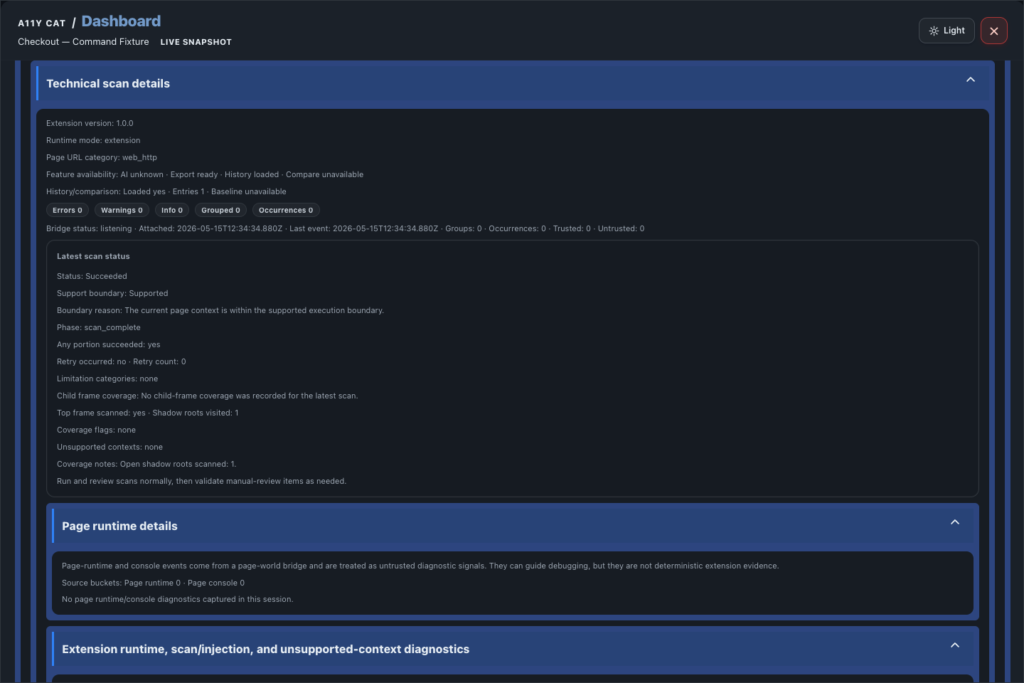
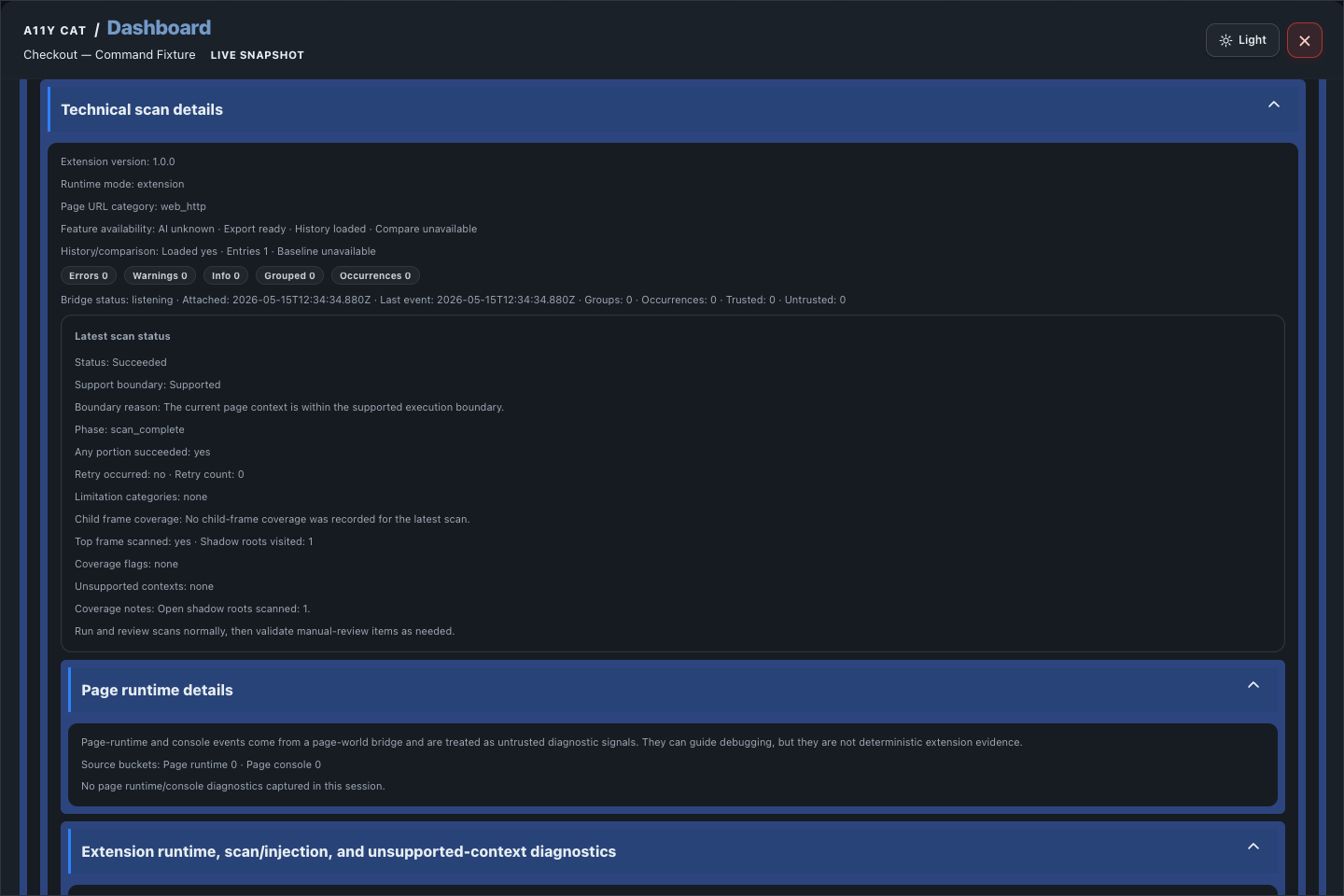
I do not want this screen to behave like a magic scorecard. A score can hide too much. The Dashboard is meant to slow the work down just enough to show scope, methodology, page context, runtime status, and the difference between confirmed findings, review items, and coverage limits.
What this feature is for
The Dashboard is the reviewer’s starting point. It tells you what was scanned, what evidence exists, whether the current page state is fresh, and what should happen next.
Feature coverage
- Shows scan scope, evidence basis, methodology, environment details, current status, and the next recommended action.
- Summarises issue intelligence, snapshot metrics, scan standard, WCAG 2.2 coverage context, and needs-immediate-attention signals.
- Shows page runtime details plus extension runtime, injection, and unsupported-context diagnostics.
- Copies and exports diagnostics JSON for debugging or release review.
- Shows local history with filters, opens previous scan details, compares the current scan with a previous scan, clears history, and exports a trend snapshot.
- Shows method/model details and a release discussion readiness summary that can be copied or exported as JSON.
WCAG and accessibility importance
The Dashboard connects the scan to WCAG context instead of treating the result as a single score. That matters because WCAG review depends on scope, method, viewport, page state, and evidence quality, not just a count of issues.
It is especially useful for release discussions because it keeps confirmed findings, review items, limitations, diagnostics, and WCAG 2.2 coverage visible before anyone decides whether a page is ready.
Accessibility impact: teams can see whether the evidence is current and complete enough to trust, which helps prevent unresolved barriers from being hidden by stale scans or incomplete coverage.
Technical notes
- The Dashboard reads from the same runtime model that feeds scan results, diagnostics, history, and exports.
- Local history is stored in browser-local extension storage and matched to page scope so a previous baseline is only used when it is actually comparable.
- Responsive comparison depends on a desktop pass and a Chrome mobile-emulation pass; the UI should be allowed to settle before screenshots are taken.
Desktop tutorial video
Where to learn more
Official A11Y Cat documentation: https://carlashub.github.io/a11y-cat-extension/